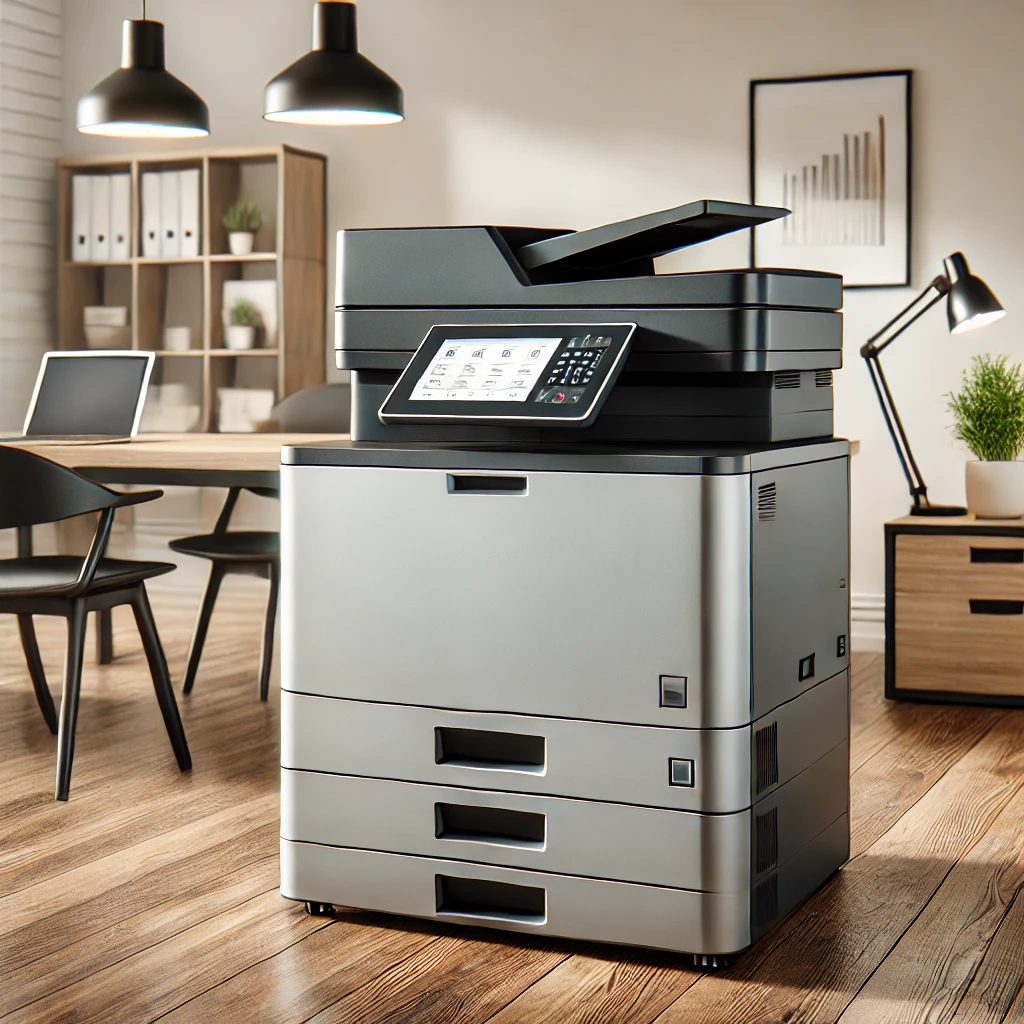
Office photocopiers have come a long way from being simple copying machines. Modern photocopiers are multifunctional devices that offer a range of features designed to streamline office workflows, improve productivity, and support sustainability initiatives. By leveraging these advanced capabilities, businesses can maximise the value of their photocopiers and achieve greater efficiency. In this blog post, we explore innovative ways to make the most out of your office photocopier.
Understanding the Capabilities of Modern Photocopiers
Before diving into innovative uses, it’s essential to understand the capabilities of modern photocopiers. Today’s devices often combine printing, scanning, copying, and faxing into a single machine, known as a multifunction device. They offer features such as mobile printing, cloud integration, secure document handling, and energy-saving modes. By tapping into these features, businesses can enhance their office operations significantly.
Innovative Ways to Use Your Office Photocopier
1. Streamline Document Management
One of the most powerful features of modern photocopiers is their ability to streamline document management. With advanced scanning capabilities, photocopiers can convert paper documents into digital formats, making it easier to store, search, and share information. By integrating with document management software, you can automate document workflows, such as invoice processing or contract management, reducing manual data entry and increasing efficiency.
2. Enhance Security with Secure Printing
Security is a top concern for businesses handling sensitive information. Modern photocopiers offer secure printing features that require user authentication before documents are released. This ensures that confidential documents are not left unattended on the printer tray. Additionally, some photocopiers provide encryption and secure storage options, protecting your data from unauthorised access and helping your business comply with data protection regulations.
3. Reduce Costs with Managed Print Services
Managed Print Services (MPS) can help businesses reduce printing costs and improve efficiency. By working with a provider that offers MPS, you can optimise your print environment, monitor usage, and reduce waste. MPS providers often use data from your photocopiers to identify areas for cost savings, such as adjusting print settings or consolidating devices. This proactive approach helps control printing expenses and ensures that your office is using resources efficiently.
4. Support Sustainability Initiatives
Sustainability is increasingly important for businesses today. Modern photocopiers offer several features that support green initiatives, such as duplex printing (printing on both sides of the paper), energy-saving modes, and recycled paper settings. By utilising these features, your office can reduce paper waste, lower energy consumption, and contribute to your company’s overall sustainability goals.
5. Boost Productivity with Mobile and Cloud Printing
In today’s mobile-driven world, the ability to print from smartphones, tablets, and laptops is a significant advantage. Modern photocopiers support mobile and cloud printing, allowing employees to print documents from anywhere, at any time. This flexibility enhances productivity by enabling remote work and reducing the time spent transferring files between devices. By integrating your photocopier with cloud services, such as Google Drive or Microsoft OneDrive, you can also streamline document storage and sharing.
6. Automate Repetitive Tasks with Custom Workflows
Many modern photocopiers allow users to create custom workflows for repetitive tasks. For example, you can set up one-touch buttons for scanning and emailing documents to specific recipients or saving files to designated folders. By automating these processes, your office can save time, reduce errors, and improve consistency in document handling.
Maximising Photocopier Efficiency in Your Office
1. Regular Maintenance and Updates
To keep your photocopier running efficiently, regular maintenance and software updates are crucial. Schedule routine check-ups with your service provider to address potential issues before they cause downtime. Ensure that your photocopier’s firmware is up-to-date to take advantage of the latest features and security enhancements. Proper maintenance not only extends the life of your device but also ensures that it continues to operate at peak performance.
2. Train Employees on Photocopier Features
Maximising your office photocopier’s potential requires that your employees are familiar with its features. Offer training sessions or create easy-to-follow guides that demonstrate how to use the device’s functions effectively. When employees know how to utilise advanced features, such as secure printing or custom workflows, they can work more efficiently and reduce the need for IT support.
3. Optimise Print Settings for Cost and Quality
Photocopiers often come with various print settings that can be adjusted for cost savings and improved quality. For instance, you can set default options to black and white printing for everyday documents or select draft mode to save on toner. Encourage employees to use duplex printing and preview documents before printing to minimise paper and ink usage. Optimising these settings can significantly reduce operational costs while maintaining the desired print quality.
4. Integrate with Office Software
Integrating your photocopier with existing office software, such as CRM systems, document management tools, or project management platforms, can further enhance productivity. This integration allows for seamless document handling and ensures that your photocopier works as part of a larger, interconnected office ecosystem. For example, scanned documents can be automatically routed to specific folders or entered into a workflow that aligns with your business processes.
Conclusion
Modern photocopiers are versatile tools that offer much more than just copying capabilities. By understanding and leveraging their advanced features, your office can streamline workflows, enhance security, reduce costs, and support sustainability initiatives. Investing time in proper training, maintenance, and integration can unlock the full potential of your office photocopier, making it an invaluable asset to your business operations. For more information on multifunction devices and how to maximise their use in your office, visit our Multifunction Devices page. Explore our range of innovative solutions to enhance your office efficiency and productivity.