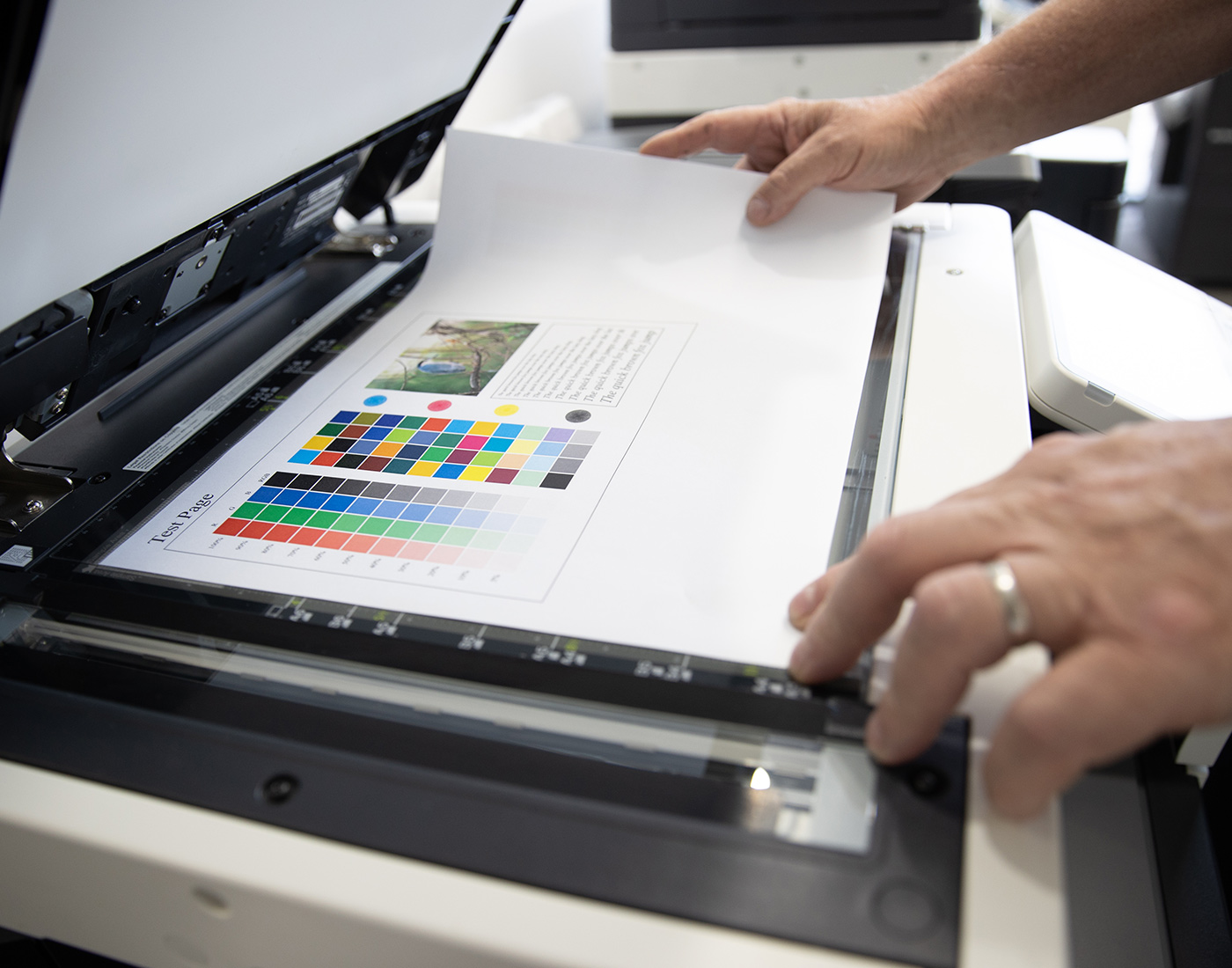
In today’s fast-paced business environment, efficient office printing solutions are essential for managers looking to streamline workflows, reduce costs, and improve overall productivity. With advancements in printing technology, modern office printers offer a range of features that go beyond basic printing. From multifunctional capabilities to advanced security features, these devices can significantly enhance office operations. In this blog post, we’ll explore the best applications of office printing solutions for managers, focusing on practical ways to maximise their potential.
Understanding Modern Office Printing Solutions
Modern office printing solutions encompass a variety of devices and services designed to meet the diverse needs of businesses. These include multifunction printers (MFPs) that combine printing, scanning, copying, and faxing, as well as managed print services (MPS) that provide comprehensive support and optimisation for your print environment. By leveraging these solutions, managers can improve document management, enhance security, and reduce operational costs.
Top Applications of Office Printing Solutions
1. Streamlining Document Workflows
One of the primary applications of modern printing solutions is streamlining document workflows. Multifunction printers allow managers to automate repetitive tasks, such as scanning and routing documents to specific folders or emailing them to designated recipients. By integrating printing solutions with document management systems, you can reduce manual handling, minimise errors, and speed up processing times. This is particularly beneficial for industries that rely heavily on paperwork, such as legal, healthcare, and finance.
2. Enhancing Security and Compliance
Security is a critical concern for businesses, especially those that handle sensitive information. Advanced office printers come equipped with security features such as user authentication, secure print release, and data encryption. These features ensure that only authorised personnel can access or print sensitive documents, helping your office comply with data protection regulations. By using secure printing solutions, managers can mitigate risks associated with data breaches and maintain the confidentiality of business information.
3. Reducing Printing Costs
Managed print services (MPS) play a crucial role in helping businesses reduce printing costs. MPS providers assess your current print environment, identify inefficiencies, and recommend strategies for cost savings, such as consolidating devices or adjusting print settings. By implementing MPS, managers can gain better control over their printing expenses, reduce waste, and ensure that printers are used efficiently. Cost reductions can be substantial, making MPS a valuable investment for any business looking to optimise their print operations.
4. Supporting Sustainability Initiatives
Sustainability is an important focus for many businesses today, and office printing solutions can support these efforts. Modern printers offer eco-friendly features like duplex printing (printing on both sides of the page), toner-saving modes, and energy-efficient settings. By encouraging employees to utilise these features, managers can reduce paper and toner consumption, lower energy use, and contribute to the company’s sustainability goals. Additionally, some printers are designed to work with recycled or eco-certified paper, further enhancing your office’s green initiatives.
5. Improving Productivity with Mobile and Cloud Printing
In a mobile-driven world, the ability to print from smartphones, tablets, and laptops is a significant advantage. Office printers with mobile and cloud printing capabilities allow employees to print documents from any location, at any time. This flexibility is particularly beneficial for remote workers or those who frequently travel. By integrating printing solutions with cloud services like Google Drive, Dropbox, or Microsoft OneDrive, managers can ensure that documents are easily accessible and printable, boosting productivity across the organisation.
Maximising Office Printing Efficiency
1. Regular Maintenance and Device Optimisation
To get the most out of your office printing solutions, regular maintenance and device optimisation are key. Managers should schedule routine check-ups with service providers to keep printers in top working condition. Ensuring that devices are running the latest firmware and software updates can also help improve performance and security. Proactive maintenance not only extends the lifespan of your printers but also minimises downtime and disruptions in daily operations.
2. Employee Training on Printing Best Practices
Maximising the benefits of office printing solutions requires that employees are well-trained on how to use them effectively. Offer training sessions or provide user-friendly guides that cover key features, such as secure printing, scanning, and custom workflows. By educating employees on best practices, managers can reduce unnecessary printing, encourage more efficient use of resources, and improve overall productivity in the office.
3. Integrate Printing Solutions with Office Systems
Integrating printing solutions with other office systems, such as enterprise resource planning (ERP) or customer relationship management (CRM) platforms, can further enhance efficiency. This integration allows for seamless document handling, ensuring that printed materials are automatically aligned with your business processes. For example, invoices or purchase orders generated in your ERP system can be automatically printed and routed, reducing manual intervention and speeding up workflows.
4. Customise Printing Settings for Optimal Results
Customising print settings based on the needs of different departments or tasks can lead to significant improvements in efficiency and cost savings. For instance, set printers to default to black and white or draft mode for everyday printing to save on toner. Use colour printing selectively for high-impact documents, such as client presentations or marketing materials. Managers can also establish printing policies that guide employees on appropriate printing practices, further optimising the use of office resources.
Conclusion
Modern office printing solutions offer a wide range of applications that can significantly benefit managers and their teams. From streamlining document workflows and enhancing security to reducing costs and supporting sustainability, the right printing solutions can transform office operations. By investing in multifunction printers, managed print services, and integrating with office systems, managers can unlock new levels of efficiency and productivity. For more information on how to choose the best office printing solutions for your needs, visit our Printing Solutions page. Explore our comprehensive range of printing solutions designed to meet the unique needs of businesses of all sizes.